
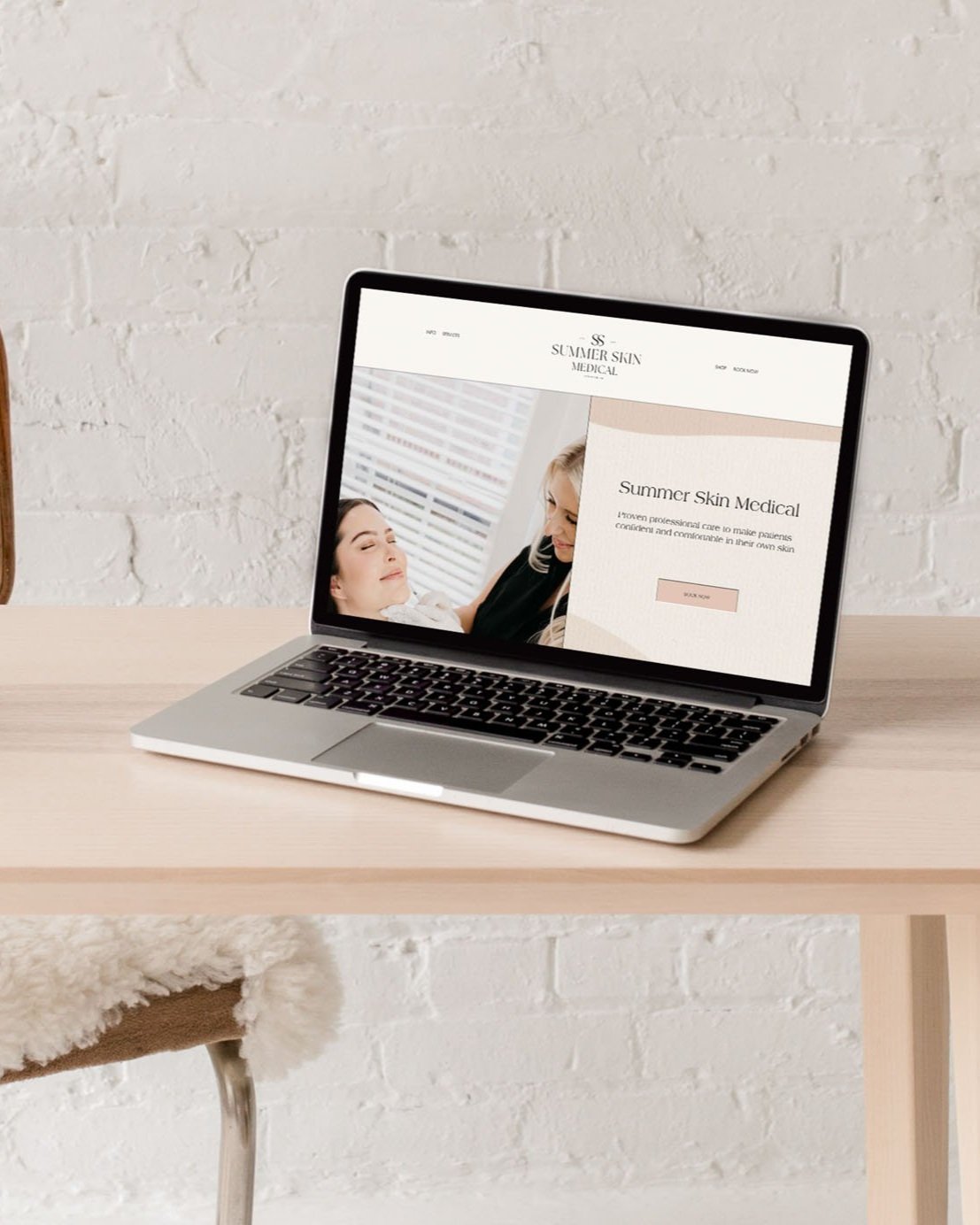
Three ways to easily add your brand and voice to a website template
Update the colors and/or fonts
A simple, but HUGE difference! If you update the colors and/or fonts in your template it’s going to give it a whole new look! Just as you would put a fresh coat of paint on a room in your home, it can change the entire look. You can easily update these settings within the Site Style menu under your Design settings.
Don’t have colors for your brand yet? That’s okay! Here are some ideas to help:
- Here’s a blog post with some fun color combos you can check out for some inspiration!
- I am OBSESSED with this website for helping with color palettes. It is such a great tool!
- If you’re using a 7.1 template you can search their palettes, or upload a palette from a photo.
Check out some examples of how my clients have customized my Social Sweetheart templated creation as their own below!